Venmo is a simple and trusted payment app in the United States for sending and receiving money. If you no longer need it, knowing how to delete Venmo account helps you close it safely without any issues.
In this blog, I’ll explain the Venmo account delete process in easy steps, using only official information. I’ll also cover Before You Delete a Venmo Account, so you don’t lose money or face issues later.
Contents
Before You Delete a Venmo Account (Must Do This First)
Before you move ahead with How to delete Venmo account, there are a few important things you must take care of. Skipping these steps can cause permanent loss of funds or incomplete account closure.
1. Move Any Remaining Money
Make sure your Venmo balance is $0 before closing your account. Once the account is closed, you cannot access the money again.
You can move your money in any of these official ways:
- Transfer the money to your any other bank account or debit card
- Send the money to another Venmo user
- Return a payment back to the sender
2. Complete Pending Transactions
If you have any pending payments or requests, they must be completed first. Venmo will not allow account closure until all transactions are finished.
3. Save Your Transaction History
- After closing your account, Venmo will send one final transaction history email to your registered email address.
- If you need records for personal or tax purposes, keep that email safe.
- These steps are a critical part of Before You Delete a Venmo Account and should not be ignored.
Read More: How to Delete Curology Account
How Do I Cancel My Venmo Account Step-by-Step Process
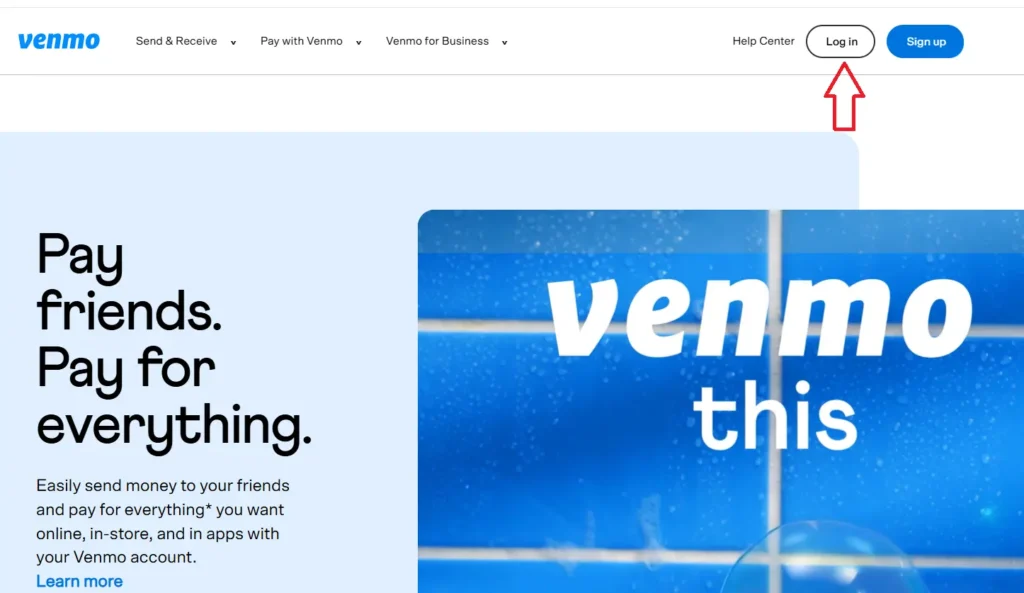
Method 1: Close Venmo Account Using a Computer
- Sign in to Venmo account on a computer browser
- Go to Account Settings
- Scroll down to the bottom of the page
- Click Close my Venmo account
- Confirm your choice to complete the process
Once done, your Venmo account will be closed.
Method 2: Venmo Account Delete Using the App
Follow these steps inside the Venmo mobile app:
- Go to the Me tab by tapping your profile or initials
- Tap the Settings (gear icon)
- Select Account under Preferences
- Tap Close Venmo Account
- Confirm to close your account
This completes the venmo account delete process from the app.
Note:- If you encounter any problems deleting your Venmo account using these methods, you can contact Venmo’s customer support.
Personal Account vs Business Profile – Important Information
Many users ask: How to delete Venmo account if I have both personal and business profiles?
Here’s the official rule you should know:
- You can close your business profile without closing your personal account
- If you close your personal Venmo account, your business profile will also be closed automatically
Closing Only a Business Profile
If you want to close only your business profile:
- You must contact Venmo Support
- Business profiles are permanently deleted
- They cannot be reactivated
- You cannot create another business profile tied to the same personal account
- A new business profile for the same business entity cannot be created again
How to Contact Venmo Support
To reach support from the app:
- Go 2 Me > Settings > Get Help > Chat With Us
- Ask to speak with an agent.
Conclusion
Closing your Venmo account is simple if you follow the right steps. Before starting the how to delete Venmo account process, always move your remaining balance, complete pending transactions, and understand the impact on business profiles.
Whether you’re wondering How do I cancel my Venmo account or just looking for a clean exit, following the official steps ensures a smooth and permanent account closure with no surprises later.